Retail & Consumer
Multi-brand fashion group automates payment and settlement reporting
A multi-brand fashion group's finance team logged into the Adyen payment portal separately for each brand's merchant accounts, downloaded payment and settlement reports one merchant at a time, then merged the CSVs into Excel by hand — every week and every month. We built a robot that runs the whole cycle: login per brand, export per merchant, merge into a single workbook per report, with a log of anything skipped.
What we used: RPA Development, Process Automation
1The problem
- Each brand had its own merchant accounts on the payment platform — every reporting cycle meant logging in again and again.
- Reports came as one CSV per merchant; combining them into a single Excel per report type was repetitive copy-paste work.
- The weekly and monthly cycles spanned multiple brands and many merchants — slow, and easy to merge wrongly.
- A failed login or a page that would not load stalled the whole run until someone noticed.
2What we did
- 1An attended robot started on demand from UiPath Assistant; a mapping table drives every run — date range, which brands (one, two, or all), and report type (payments, settlements, or both).
- 2For each brand account the robot logs into the Adyen customer portal and works through every merchant on the list.
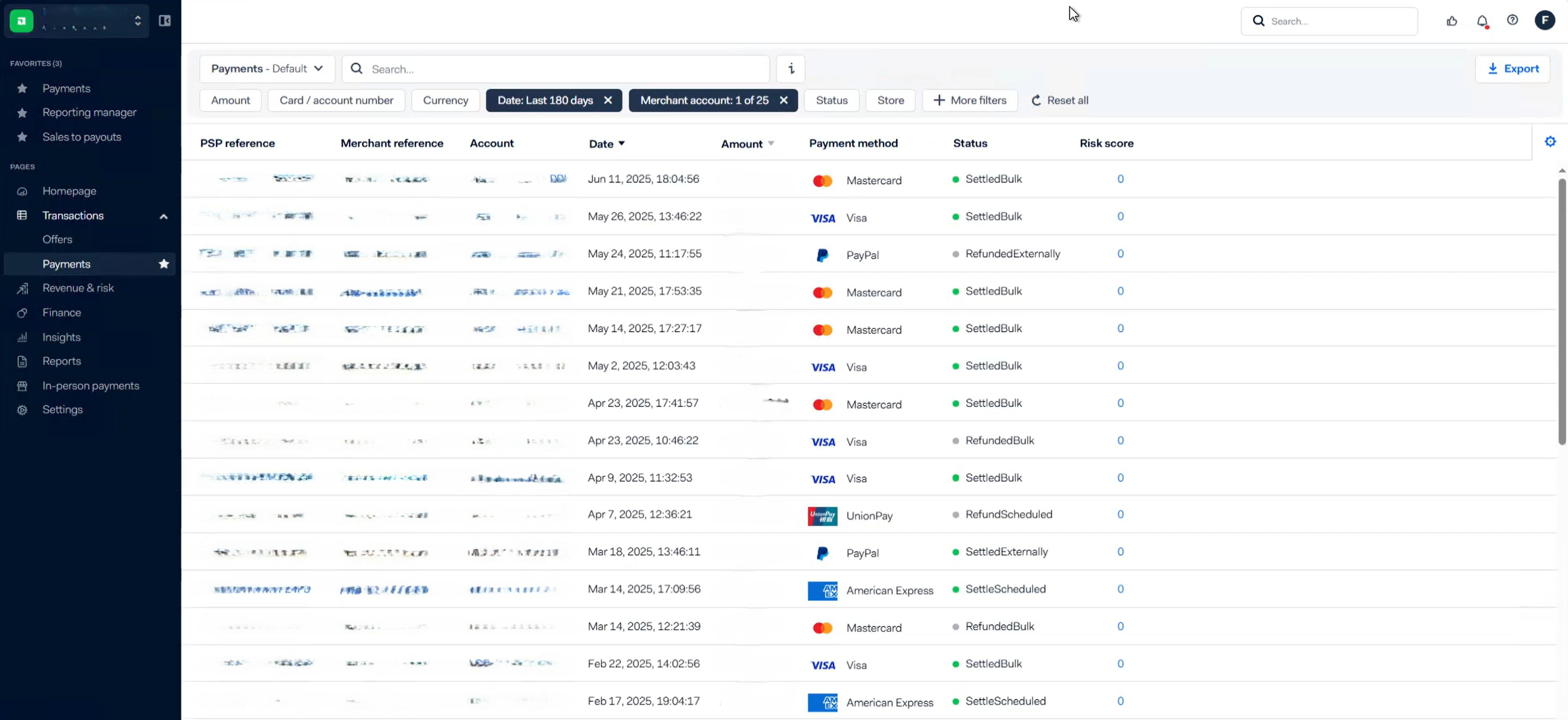
- 3Payment reports: it filters the requested date range and exports the CSV for each merchant.
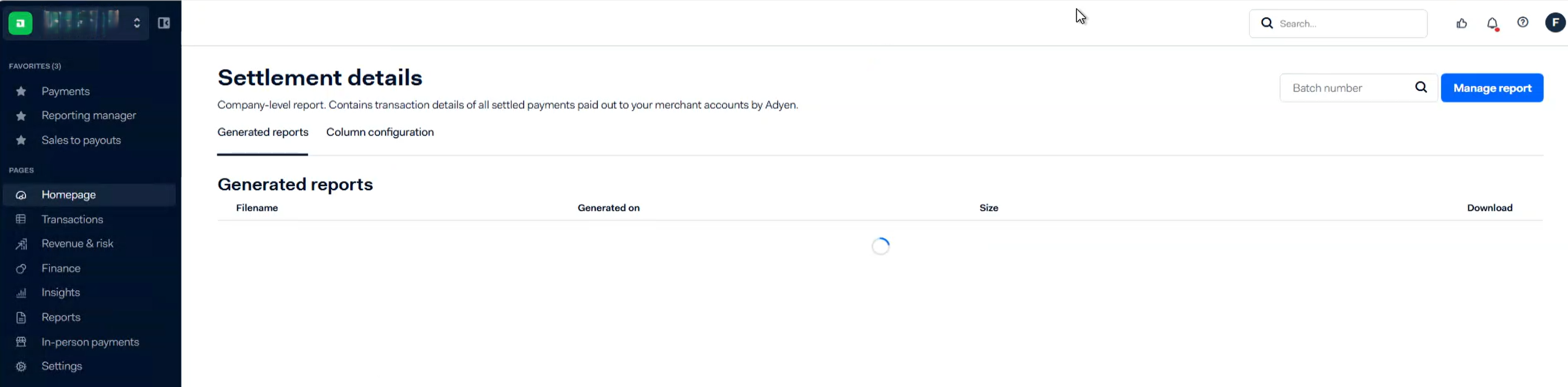
- 4Settlement reports: it downloads the aggregate settlement details for each merchant.
- 5All CSVs merge automatically into one Excel per report type — a single header, no manual merging.
- 6Failures self-manage: a failed login or an unloaded page skips to the next brand and writes the details to a log Excel; empty results are logged with merchant and date range.
- 7Maintained across four years — migrated browsers when policy changed and made the configuration dynamic so different teams manage their own runs.
3Inside the Platform
Get results like this
We’ll assess your process and give you a straight answer on what automation could return.